What Happens to Your Data When You Change ERP?
Understand what can be migrated, what you may want to leave behind, and how to prepare clean, reliable data before moving to a new ERP system.
What this guide covers
- check_circleWhat data businesses typically migrate to a new ERP
- check_circleWhat historical or obsolete data may be better archived
- check_circleHow to clean, map and prepare master data
- check_circleHow to handle transactions, attachments and custom fields
- check_circleUK record-retention and personal-data considerations
- check_circleHow to validate migrated data before go-live
Changing ERP Does Not Mean Moving Everything
One of the biggest misconceptions about ERP migration is that every record in the old system must be copied into the new one. In practice, a migration is usually a decision about what the new ERP needs in order to operate correctly, what history users genuinely need day to day, and what information should remain available outside the live system.
Microsoft's Business Central guidance reflects this distinction: some migration routes support fuller data migration, while reimplementation approaches can focus on essential data such as master records, opening balances, setup and open transactions. The right approach depends on the systems involved and your reporting, audit and operational requirements.
“Leave behind” should usually mean archive or retain appropriately — not simply delete.
Before retiring a legacy ERP, confirm which records must remain accessible for accounting, tax, audit, contractual or data-protection purposes.
What Data Can Usually Be Migrated?
The exact fields and history depend on the source ERP, target ERP and migration tools, but most projects consider the following categories.
contactsMaster data
- Customers and suppliers
- Items, products and units of measure
- Chart of accounts
- Dimensions, departments or cost centres
- Addresses, contacts and payment terms
inventory_2Live operational data
- Opening financial balances
- Customer and supplier balances
- Current stock quantities and values
- Open sales and purchase orders
- Other open transactions required at go-live
historyHistorical data
- Posted invoices and credit notes
- General ledger history
- Past sales and purchases
- Inventory movements
- Historical pricing or customer activity
Historical data is often technically possible to migrate, but “possible” does not always mean “useful”. More history can increase mapping, transformation, testing and reconciliation effort.
What Might You Choose Not to Put in the New ERP?
Duplicate or obsolete master records
Inactive customers, duplicate suppliers, discontinued items and old addresses can create confusion if copied without review.
Very old transaction detail
If older transactions are rarely needed operationally, an accessible archive may be more practical than loading every line into the new ERP.
Unused fields and legacy workarounds
Years of ERP use often create fields, codes and processes that no longer serve a business purpose. Migration is a chance to retire them.
Data with no valid destination
Custom fields, bespoke tables and third-party add-on data may not map directly to the new system and need a separate design decision.
How Much History Should You Migrate?
There is no universal answer. A useful way to decide is to separate live operational need from record-retention need.
| Question | Why it matters | Possible approach |
|---|---|---|
| Do users need to search it every day? | Frequently used history may be more valuable inside the new ERP. | Consider migrating the required transaction history. |
| Is it needed for audit, tax or statutory records? | Required records must remain accessible even if they are not live operational data. | Migrate or retain them in a controlled, searchable archive. |
| Is the old data clean and compatible? | Poor-quality history can add cost without improving the new ERP. | Clean, transform, summarise or archive depending on need. |
| Does it depend on legacy customisations? | Custom tables and fields may not have a direct target structure. | Map explicitly or retain the legacy representation outside the live ERP. |
How Should You Prepare Your Data Before Migration?
The safest time to improve data quality is before the final migration. Moving bad data faster simply gives you bad data in a newer system.
Inventory your data
Identify systems, companies, tables, spreadsheets, integrations, attachments and add-ons that contain data needed by the business.
Agree the migration scope
Define what must be live at go-live, what history should be migrated, and what can remain in an archive.
Clean and standardise
Remove duplicates, resolve missing or inaccurate records, standardise naming and codes, and confirm active/inactive status.
Map old fields to new fields
Document where each important field will go, including transformed values, new dimensions, tax codes, units of measure and custom data.
Run a test migration
Load representative data into a test or sandbox environment and let finance and operational users validate real business scenarios.
Reconcile before cutover
Compare control totals such as G/L balances, receivables, payables, stock quantities and values, and counts of open documents before approving go-live.
Do Not Forget Attachments, Custom Fields and Connected Systems
Documents & attachments
Invoices, certificates, images, PDFs and other attachments may be stored differently from transactional records. Confirm whether they will be migrated, linked or archived.
Custom & extension data
Bespoke fields and tables need explicit mapping. Do not assume custom data will move simply because the standard customer, item or transaction record moves.
Integrations
eCommerce, WMS, POS, EDI, CRM, payroll, banking and reporting systems may depend on IDs or structures from the old ERP. Those dependencies need retesting.
UK Data Retention: What Should You Consider?
An ERP migration should not accidentally remove records that the business still needs to retain. GOV.UK states that limited companies generally need to keep accounting records for six years from the end of the last company financial year they relate to, with some circumstances requiring longer retention.
Personal data also needs deliberate treatment. UK GDPR principles include data minimisation and accuracy: personal data should be relevant and limited to what is necessary, and reasonable steps should be taken to keep it accurate. This is another reason not to copy every old contact or obsolete record into the new ERP without review.
Retention and migration are different decisions.
A record can be retained for legal or audit purposes without necessarily being loaded into the live operational ERP. Agree how archived records will remain secure, searchable and accessible before decommissioning the old system.
ERP Data Migration Readiness Checklist
- check_circleList every source of business-critical data
- check_circleAgree what must be live on day one
- check_circleDecide how much history users genuinely need
- check_circleDefine an archive and retention approach
- check_circleRemove duplicates and obsolete records
- check_circleMap custom fields, codes and dimensions
- check_circleTest with representative real-world data
- check_circleReconcile balances, stock and open transactions
- check_circleConfirm attachments and integrations are covered
- check_circleKeep the legacy system accessible until sign-off
How Orca Supports ERP Data Migration
Orca Business Solutions helps UK businesses plan and deliver ERP migrations with the data work treated as part of the project, not as a last-minute export and import. We can help assess the existing system, define migration scope, clean and map data, test the new environment and validate the final cutover.
verifiedBusiness Central migration
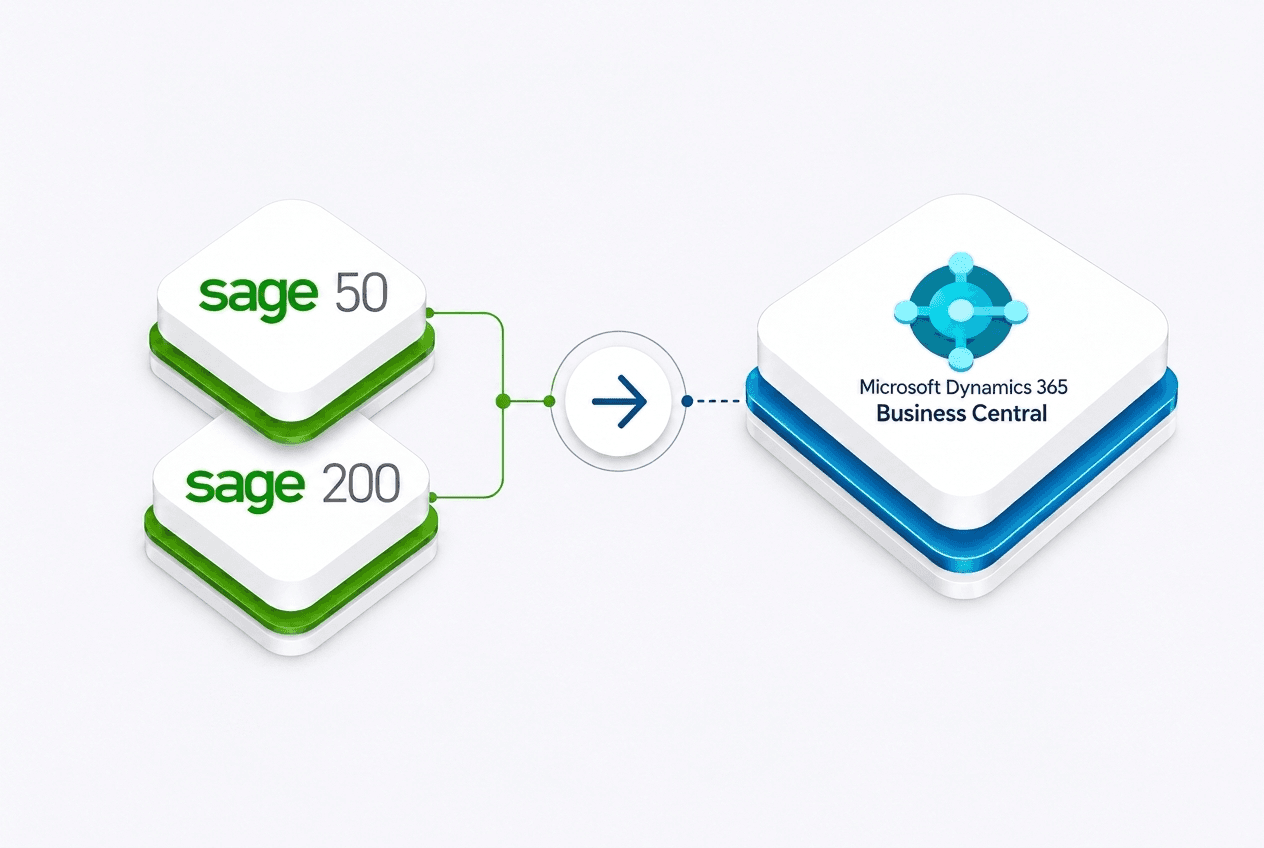
We implement Microsoft Dynamics 365 Business Central and can help determine the appropriate approach for master data, balances, transactions, historical records and connected processes.
hubConnected operations
Where required, we can also connect Business Central with warehouse, B2B eCommerce and POS processes so data flows are considered across the wider operation.
Explore the ERP Migration Series
Frequently asked questions
Planning an ERP change and unsure what should happen to your data?
We can review your current data, systems and integrations, then help you define what should migrate, what should be cleaned or archived, and how to validate the move to Microsoft Dynamics 365 Business Central.