ERP Migration Risks and How to Avoid Them
ERP migrations rarely go wrong because of one dramatic mistake. They usually become difficult through a series of smaller risks: unclear scope, messy data, weak testing, hidden integrations, rushed decisions and teams that are not ready for go-live.
What this guide covers
- check_circleWhy ERP migrations run into trouble even when the software is suitable
- check_circleThe most common migration risks across scope, data, testing, integrations and people
- check_circleWhat each risk looks like before it becomes a serious problem
- check_circlePractical controls that reduce disruption before go-live
- check_circleA simple readiness checklist for the final stages of an ERP migration
ERP Migration Risk Is Usually Cumulative
A migration can look healthy for months and still become stressful close to go-live. The reason is simple: problems often build quietly. A customer file has duplicates. A warehouse process is only partly understood. A report depends on a field nobody documented. An integration works in isolation but fails when volumes increase. Training gets pushed back because the project team is busy fixing other issues.
None of these problems necessarily stops a project on its own. Together, they can turn the final weeks into a scramble.
Microsoft's Dynamics 365 implementation guidance puts the same disciplines at the centre of go-live readiness: signed-off testing, a data migration plan, a cutover plan, user training, external dependency checks and production support readiness. The lesson is not that every migration must be complicated. It is that readiness needs evidence, not assumptions.
The safest migration is not the one with the fewest risks.
It is the one where the important risks are visible early, owned by someone, tested properly and reduced before the business depends on the new system.
The 8 ERP Migration Risks to Watch Most Closely
The specific risks will differ by business boundary, but these are the areas where migration projects most often become exposed.
Unclear scope
When teams are not aligned on what is changing, what is staying, and what is phase two, requirements keep moving and testing never has a stable target.
Poor data quality
Duplicates, obsolete items, inconsistent codes, missing information and badly structured history can cause errors in the new ERP or undermine trust from day one.
Insufficient testing
A system can be technically configured and still fail the way the business actually works. Real scenarios, edge cases and migrated data need testing.
Hidden integrations
eCommerce, WMS, POS, CRM, EDI, banking, payroll, reporting tools and spreadsheets may rely on old IDs, exports or processes that are easy to overlook.
Weak process ownership
If nobody owns purchasing, warehouse, finance, sales or fulfilment sign-off, gaps can sit unresolved because everyone assumes someone else checked them.
Late user involvement
When users only see the system near go-live, the project discovers practical problems late and the team has less time to build confidence and new habits.
Rushed cutover
Even a well-built ERP can struggle if the final migration sequence, timings, responsibilities, checks and contingencies have not been rehearsed.
Underprepared support
The first days after launch are when questions and exceptions appear. Without clear support routes and issue ownership, confidence can fall quickly.
Risk 1: The Project Scope Keeps Moving
One of the fastest ways to increase migration risk is to keep adding requirements without deciding what they replace, what they delay or whether they are genuinely needed for day one.
Warning signs
New reports, fields and workflows are still being added late. Different departments describe the go-live scope differently.
Why it matters
Changing scope affects configuration, data, integrations, training and test coverage at the same time.
How to reduce it
Agree a signed-off day-one scope, define a controlled change process, and keep lower-priority improvements in a visible post-go-live backlog.
Risk 2: Bad Data Is Migrated Into a Better System
An ERP migration does not automatically improve the quality of the data inside it. If duplicate suppliers, obsolete products, inconsistent units, missing dimensions or incorrect balances are moved without review, the new ERP can inherit the same problems in a cleaner interface.
Microsoft's data management guidance recommends planning and testing configuration and migration data throughout the project lifecycle rather than treating data as a final-stage import.
A better approach
- check_circleDefine which data genuinely needs to migrate
- check_circleAssign owners for customer, supplier, item and financial data
- check_circleClean duplicates and inactive records before loading
- check_circleMap codes, dimensions and custom fields explicitly
- check_circleReconcile balances, stock and open transactions
- check_circleRepeat the migration until timing and results are dependable
Risk 3: Testing Proves the System Works — But Not the Business
Testing should answer more than “does the button work?” It should prove that the business can complete its critical processes with realistic data, realistic users and realistic exceptions.
| Test area | What to prove | Example |
|---|---|---|
| End-to-end process | Departments can complete the full workflow. | Order → allocation → pick → ship → invoice → payment. |
| Migrated data | Real migrated records behave correctly. | Customer pricing, item units, stock and open orders. |
| Exceptions | Teams know what happens when reality is messy. | Short pick, partial delivery, credit hold, return or failed integration. |
| Peak volume | Performance remains acceptable under busy conditions. | High order volumes, bulk posting or intensive warehouse scanning. |
Microsoft recommends testing early and often, including user acceptance, integration, performance and data migration testing. Its go-live checklist also calls for testing with migrated data and realistic business scenarios.
Risk 4: Integrations Are Treated as Separate Projects
The ERP may be the core platform, but it rarely operates alone. If your website, warehouse app, POS, CRM, EDI, banking or reporting depends on the ERP, those connections are part of the migration whether they are included in the ERP contract or not.
Map dependencies
Document every system that sends data to or receives data from the ERP, including manual exports and "temporary" spreadsheets that became permanent.
Test failure paths
Do not only test successful transfers. Check what users see when an API, website, scanner, bank feed or third-party service is unavailable.
Confirm ownership
Make it clear who supports each integration after go-live and who investigates when one system says the problem is somewhere else.
Risk 5: The People Who Run the Business Are Involved Too Late
Project teams understand the design. End users understand the reality. Both are needed.
A warehouse supervisor may spot a scanning issue that never appeared in a workshop. A credit controller may rely on a report nobody thought was critical. A buyer may have a supplier exception that only happens twice a month. These details are exactly what user acceptance testing is supposed to expose.
Training is not just a presentation.
The strongest training uses the configured system, the business's own processes and realistic scenarios so users can practise before the pressure of live operations.
Risk 6: Cutover Is Planned Too Late
Cutover is the bridge between project mode and live operations. It should answer, in sequence, exactly what happens from the last transaction in the old system to the first normal working day in the new one.
Define the freeze
Know when transactions stop in the legacy system and what activity is allowed during the migration window.
Rehearse the sequence
Run mock cutovers so the team knows how long extraction, transformation, loading, validation and sign-off actually take.
Name every owner
Each cutover task needs an owner, an expected finish time, a validation step and a clear escalation route.
Set go / no-go criteria
Agree in advance what must be true before launch. A calendar date should not be the only reason to proceed.
Risk 7: The Business Has No Plan for the First Week
Go-live is not the end of implementation. It is the point where real volume, real users and real customer pressure arrive together.
Plan hypercare
Decide who is available, how issues are logged, what counts as critical, and how fast different types of problems should be escalated.
Protect user confidence
Users need a clear route for help. Fast answers to small issues can be as important as fixing major technical defects.
A Simple ERP Migration Risk Matrix
A long risk register is only useful if people act on it. Keep the important items visible, specific and owned.
| Risk | Early warning | Control | Owner |
|---|---|---|---|
| Dirty item data | Duplicate SKUs or inconsistent units | Clean, map and validate before migration | Operations / master data owner |
| Integration failure | Interfaces only tested separately | Run end-to-end and failure-path tests | IT / integration owner |
| Low user readiness | Users avoid UAT or training | Role-based practice and sign-off | Department lead |
| Cutover overrun | Migration duration is still unknown | Repeated dry runs and timed checklist | Project manager |
ERP Migration Risk Checklist Before Go-Live
- check_circleDay-one scope is agreed and controlled
- check_circleCritical business processes have named owners
- check_circleMigration data has been cleaned and reconciled
- check_circleMigration has been rehearsed more than once
- check_circleEnd-to-end integrations have been tested
- check_circleUsers have completed realistic UAT scenarios
- check_circlePerformance has been checked at realistic volume
- check_circleRoles, permissions and security are confirmed
- check_circleCutover timings, owners and validation steps are documented
- check_circleGo / no-go criteria are agreed
- check_circleSupport and escalation routes are ready
- check_circleLegacy access and contingency arrangements are understood
How Orca Helps Reduce ERP Migration Risk
At Orca Business Solutions, migration is treated as a business change project, not just a technical data transfer. We work with businesses to understand current processes, identify what needs to improve, define the migration scope, prepare data, test real workflows and support the move into live operations.
fact_checkPlan around the business
We start with how the business operates today, where the pain points are, and what must be ready for day one.
databasePrepare and validate data
We can help define migration scope, map and clean data, test migrations and reconcile the records needed for go-live.
hubTest the wider operation
Where ERP connects to warehouse, POS, eCommerce or other systems, we look at the full process rather than treating each system in isolation.
Explore the ERP Migration Series

Frequently asked questions
Planning an ERP migration and want fewer surprises at go-live?
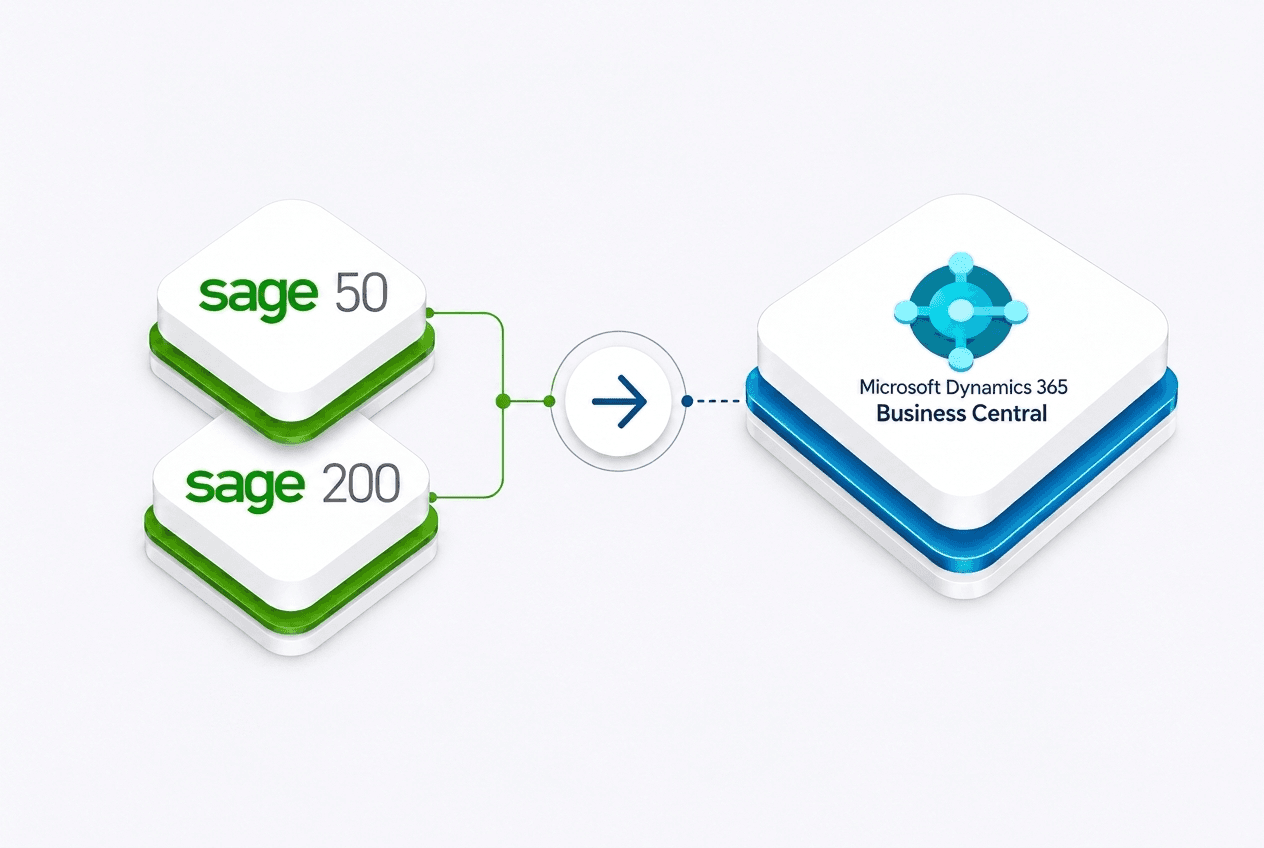
We can help you review the current system, migration scope, data, integrations and operational processes, then build a practical route to Microsoft Dynamics 365 Business Central with testing and readiness built into the project.